

Description
Download Cleaner One Pro – Free Mac Disk Cleaner & Data Recovery Tool
Overview
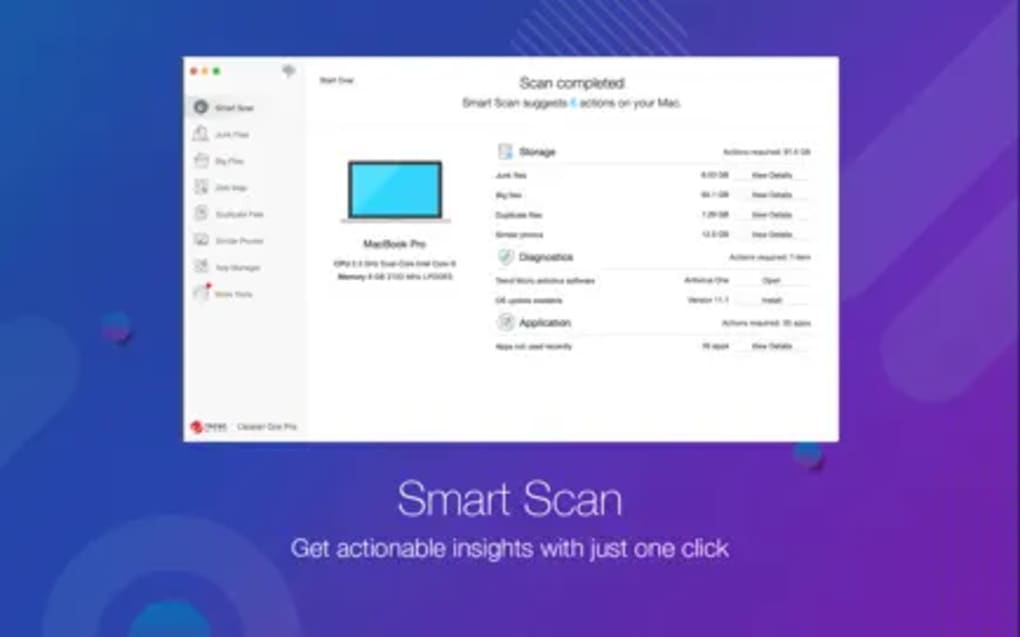
Cleaner One Pro – Disk Clean is a free, lightweight utility designed specifically for macOS users who need a reliable way to reclaim wasted space and recover lost data. Developed by Trend Micro Incorporated, a name synonymous with security and system‑level software, this tool positions itself in the “Data Recovery” category while also offering classic disk‑cleaning functions such as duplicate file detection, cache removal, and large‑file identification. The current release, version 6.3.1, supports macOS X and later, making it compatible with virtually every modern Mac, from the Intel‑based MacBook Air to the latest Apple Silicon models. Its multilingual interface—available in English, French, and Dutch—ensures a smooth experience for a broad user base. Although the software is listed on Softonic since June 21, 2022, it remains free to download, which is a rare combination in a market where many similar utilities require a subscription or a one‑time purchase. Cleaner One Pro leverages Trend Micro’s background in system optimization to provide a secure environment: the program runs sandboxed, does not require elevated privileges for most tasks, and includes automatic updates that keep the virus definitions and cleaning algorithms up to date. Users can expect an intuitive dashboard that categorizes storage waste into “System Cache,” “Log Files,” “Large Files,” and “Duplicate Items,” each with a clear visual representation of the potential space to be reclaimed. The app also incorporates a basic data‑recovery module that scans for recently deleted files and offers a preview before restoration, a feature usually reserved for premium utilities. Overall, Cleaner One Pro fills a niche for Mac owners who want a free, secure, and easy‑to‑use solution for both cleaning and recovery without compromising system performance.
Key Features
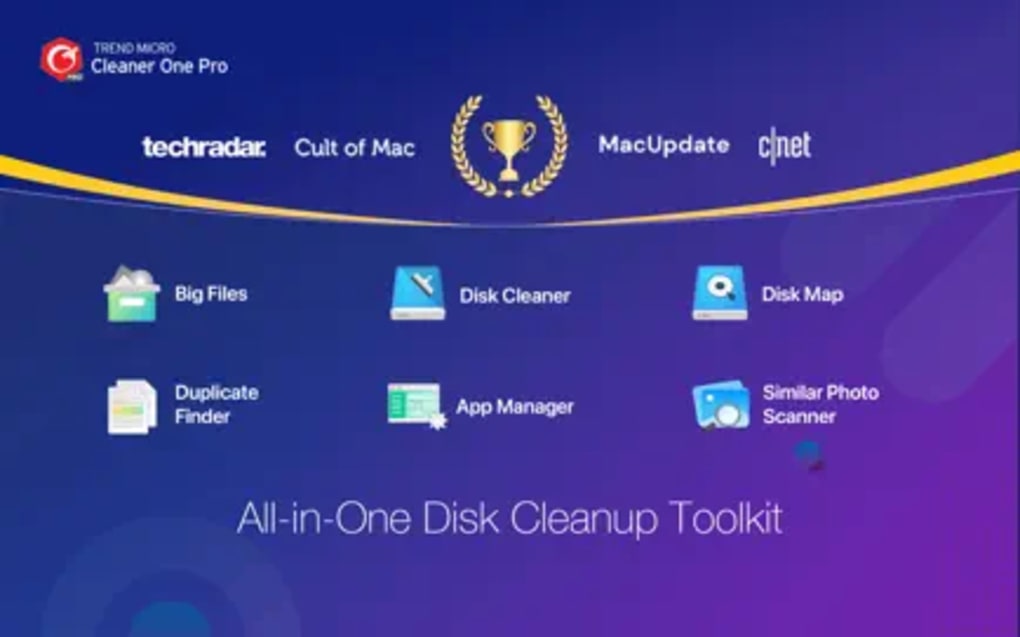
- Smart Disk Scanning: Quickly identifies temporary files, caches, log files, and other redundant data that accumulate over time.
- Duplicate File Finder: Uses checksum comparison to locate exact copies, allowing users to delete duplicates safely.
- Large‑File Analyzer: Highlights files larger than a user‑defined threshold, helping free up space for essential data.
- Basic Data Recovery: Scans recently deleted items and provides a preview before restoration, supporting common file formats.
- Multi‑Language Support: Available in English, French, and Dutch, with easy language switching from the preferences menu.
- Secure Sandbox Execution: Runs in a protected environment, minimizing the risk of accidental system changes.
- Automatic Updates: Regularly checks for new definitions and feature enhancements, ensuring the tool stays effective against emerging storage bloat patterns.
- User‑Friendly Dashboard: Visual graphs and color‑coded categories make it simple to understand where space is being consumed.
- Compatibility with Apple Silicon: Optimized for M1 and M2 chips, delivering native performance on the latest hardware.
- Zero‑Cost Licensing: Completely free to download and use, with no hidden fees or mandatory upgrades.
Installation & Usage Guide
Installing Cleaner One Pro on your Mac is straightforward and can be completed in a few minutes. Begin by navigating to the official download page, where you will find a “Download for macOS” button. Clicking this button initiates a secure HTTPS transfer of a .dmg file. Once the download finishes, locate the file in your Downloads folder and double‑click it to mount the installer disk image. A new window will appear showing the Cleaner One Pro icon alongside an Applications folder shortcut. Drag the Cleaner One Pro icon into the Applications folder to copy the app to your system. macOS may display a warning about apps from unidentified developers; because the software is signed by Trend Micro, you can safely click “Open” after confirming the source.
After installation, launch Cleaner One Pro from the Applications folder or via Spotlight. The first launch triggers a short permission request: the app asks for access to your Documents, Downloads, and Desktop folders so it can analyze files accurately. Granting these permissions is essential for the duplicate‑file and large‑file scanners to work. The main dashboard appears, displaying a quick summary of total storage, used space, and potential savings. To start a cleaning cycle, click the Scan Now button under the “System Cache” tile. The scan typically completes within 30‑60 seconds, depending on the size of your drive. Once finished, the results are presented in a sortable list where you can preview each file, select items you wish to delete, and click the “Clean Selected” button. The process is reversible for the last 30 minutes via the built‑in “Undo” option, providing an extra safety net for accidental deletions.
For data recovery, switch to the “Recovery” tab located at the top of the window. Press “Start Scan” to let the software search for recently deleted files across your drive. The scan can take up to several minutes on large SSDs, but the progress bar keeps you informed. When the scan ends, recovered files appear with thumbnail previews and original paths. Select the files you need, choose a destination folder (preferably on a different volume to avoid overwriting), and click “Restore.” The restored files retain their original timestamps, making it easy to reintegrate them into your workflow. Throughout the usage experience, Cleaner One Pro offers tooltips and a brief tutorial video accessible from the Help menu, ensuring even novice users feel confident navigating the interface.
Compatibility, Pros & Cons
Cleaner One Pro is built for macOS X and later, supporting versions from macOS 10.12 (Sierra) up through the current macOS 14 (Sonoma). The application runs natively on both Intel‑based Macs and Apple Silicon (M1, M2, and subsequent chips), delivering comparable performance across architectures. Its low memory footprint—typically under 150 MB during a scan—means it can be used alongside other productivity tools without noticeable slowdowns. The software also respects macOS security standards, integrating with Gatekeeper and requiring user consent before accessing sensitive folders.
Pros
- Completely free with no hidden subscription fees.
- Fast, accurate scanning powered by Trend Micro’s engine.
- Supports both Intel and Apple Silicon Macs natively.
- Intuitive UI with visual graphs that simplify storage analysis.
- Basic data‑recovery functionality adds extra value at no cost.
- Automatic updates keep the tool current without manual intervention.
- Secure sandboxed execution minimizes risk of system damage.
Cons
- Advanced recovery options (deep scan, multi‑volume support) are missing.
- No scheduled cleaning or background optimization features.
- Limited language selection—only English, French, and Dutch.
- Cannot clean third‑party application caches (e.g., Adobe, Microsoft) without manual configuration.
- No built‑in cloud backup integration.
Frequently Asked Questions
Is Cleaner One Pro safe to use on my Mac?
Yes. The application is signed by Trend Micro, runs in a sandboxed environment, and does not require elevated system privileges for most cleaning tasks. It also follows macOS Gatekeeper guidelines, ensuring that only verified code executes.
Can Cleaner One Pro recover files that were emptied from the Trash?
Cleaner One Pro can recover files that have been recently deleted and are still present in the file system’s unallocated space. However, if the file has been overwritten or the Trash was emptied a long time ago, recovery chances decrease significantly.
Does the free version have any hidden costs or ads?
The free version is completely ad‑free and does not prompt you for a purchase. All core features—including scanning, cleaning, and basic recovery—are available without any additional fees.
How often does Cleaner One Pro receive updates?
Updates are released roughly every 2‑3 months, covering both security patches and feature enhancements. The app checks for updates automatically on launch, and you can also trigger a manual check from the Preferences menu.
Can I schedule automatic scans with Cleaner One Pro?
The current free version does not include a scheduling feature. Scans must be started manually, but future updates may introduce this capability based on user feedback.
Conclusion & Call to Action
Cleaner One Pro – Disk Clean delivers a compelling blend of disk‑cleaning efficiency and basic data‑recovery power—all at zero cost. For Mac users who want to reclaim space quickly, eliminate duplicate files, and have a safety net for accidental deletions, this utility stands out as a trustworthy, secure, and easy‑to‑use option. While it lacks some of the deep‑scan capabilities of premium competitors, its fast performance, native Apple Silicon support, and seamless integration with macOS make it an excellent addition to any Mac maintenance routine. If you’re looking for a free tool that respects your privacy and offers regular updates, give Cleaner One Pro a try today.
Pros: Free, fast scanning, native Apple Silicon support, secure sandboxed execution, basic recovery.
Cons: No deep recovery, limited language options, no scheduled scans.
Guides & Tutorials for Cleaner One Pro
How to install Cleaner One Pro
- Click the Preview / Download button above.
- Once redirected, accept the terms and click Install.
- Wait for the Cleaner One Pro download to finish on your device.
How to use Cleaner One Pro
This software is primarily used for its core features described above. Open the app after installation to explore its capabilities.
User Reviews for Cleaner One Pro 0
No reviews found





.webp)